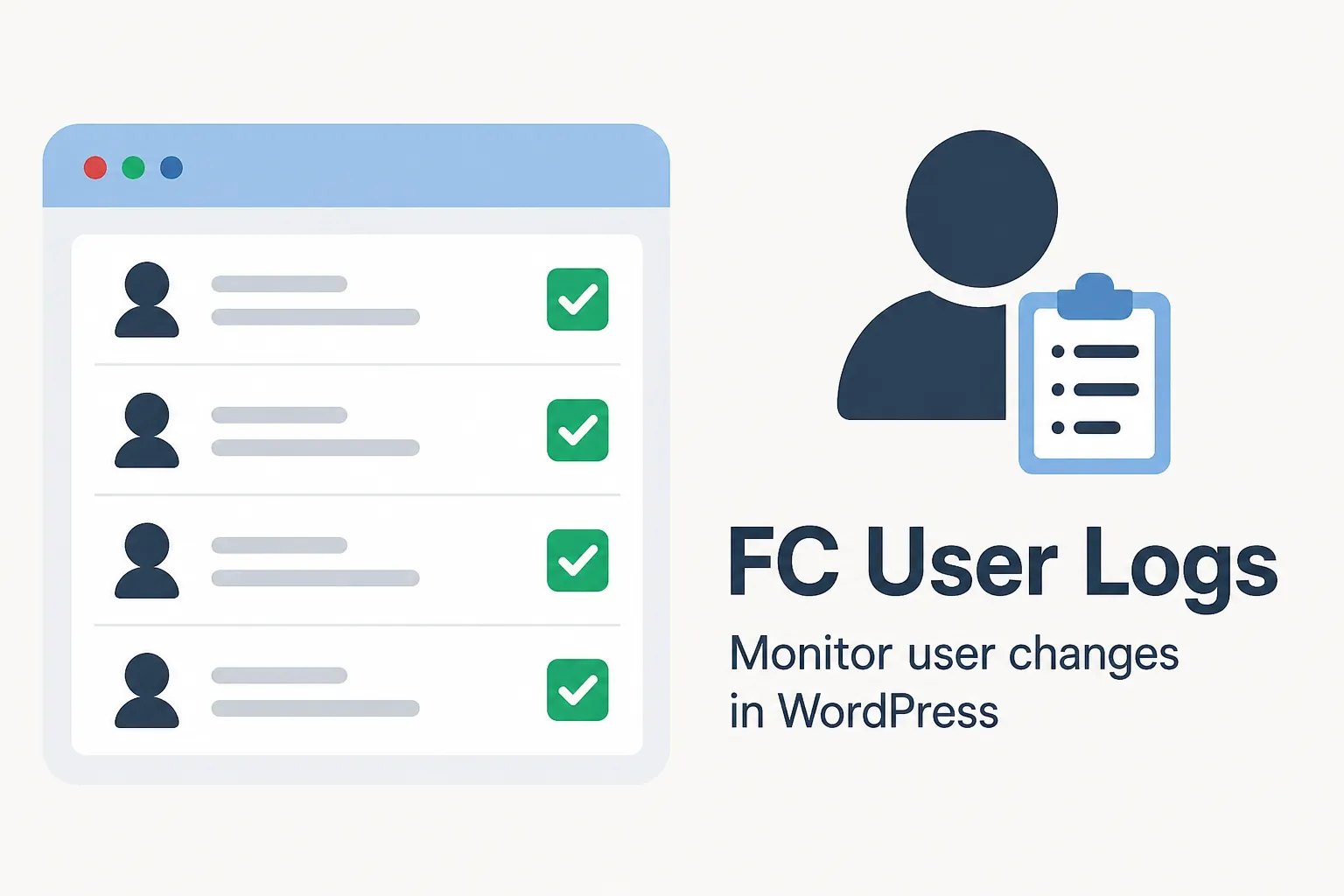
When managing WordPress sites, especially environments with multiple users and integrations such as LearnDash, it is essential to keep track of who changed what and when. That’s why I developed FC User Logs, a plugin that records all changes made to users and their metadata in WordPress.
What Does the Plugin Do?
User Change Tracking: The plugin monitors the
wp_usersandwp_usermetatables, ensuring that any modifications are recorded.LearnDash Compatibility: Whenever a user is added to or removed from a LearnDash group, the action is automatically recorded in the logs.
Log Dashboard: The plugin provides an administrative interface within WordPress where you can view records with filtering and pagination.
Automatic Cleanup: You can configure the plugin to automatically clean up logs periodically or whenever they exceed a specified number of records.
Why Use It?
If you manage learning platforms, corporate portals, or websites with many users and collaborators, FC User Logs helps maintain transparency and traceability of user actions. This enhances security and makes audits easier.
How to Install
Download the plugin and copy it to the
/wp-content/plugins/directory.Activate it from the WordPress dashboard.
Go to the FC User Logs menu to start monitoring.
Monitor User Changes...
FC User Logs is a simple yet powerful solution for anyone who needs to track changes made to WordPress users, with the added benefit of LearnDash integration.